Designing a ticket that captures the magic of the Polar Express while staying practical for a busy audience is more than a visual exercise; it’s a concise communication tool. Below are the essential steps—size, design, information hierarchy, security, and finishing touches—that enable a seamless production process and a memorable guest experience.
Why the Ticket Matters
Beyond entry control, a Polar Express ticket sets the tone for the whole event. It should instantly evoke the film’s snowy landscape, convey key logistics, and discourage counterfeit attempts. When the ticket works on all three fronts, guests feel the holiday spirit before they even step onto the platform.
Step 1 – Pick a Practical Format and Size
Choosing a format that fits both printing capabilities and audience expectations keeps the workflow smooth.
- Standard dimensions: 2 × 5 inches (51 × 127 mm) mirrors classic cinema tickets and fits comfortably in wallets.
- Alternative sizes: 3 × 8 inches for premium “Gold Seat” passes or smaller 1.5 × 3 inches for souvenir keepsakes.
- Orientation: Landscape orientation displays artwork better; portrait works well for QR codes placed at the top.
Step 2 – Build a Festive Visual Theme
A cohesive aesthetic ties the ticket to the movie’s iconic imagery without overloading the design.
- Color palette: Deep navy, icy silver, and warm “cinnamon” orange echo the night‑time train journey and cozy cabin interiors.
- Typography: Use a bold, sans‑serif header (e.g., Montserrat) for the event title, paired with a playful script (e.g., Pacifico) for the subtitle “All Aboard!”.
- Imagery: Incorporate a subtle, low‑opacity silhouette of the locomotive in the background; reserve the foreground for a bright, high‑contrast illustration of a steaming hot chocolate mug.
- Border treatment: A thin gold foil line adds a premium feel while clearly defining the edge for cutting.
Step 3 – Prioritize Essential Information
Clarity trumps decoration when it comes to the data guests need.
- Event name and tagline – at the top, in the largest type.
- Date and time – bolded, right‑aligned for quick glance.
- Seat or zone designation – alphanumeric code (e.g., “B‑12”) placed near the QR code.
- Venue address – concise street name and city, with a small map icon if space allows.
- Contact line – phone or email for ticket support, printed in a lighter shade.
Step 4 – Integrate Low‑Effort Security Features
Modern events often rely on digital verification, but a few simple physical safeguards add peace of mind.
- QR code: Generates a unique identifier for each ticket; scan at entry for instant validation.
- Micro‑print: A row of tiny text (e.g., “PolarExpress2024”) along the bottom edge that appears blurred when reproduced.
- Watermark: Subtle “PE” pattern visible under bright light, integrated into the background image.
Step 5 – Choose Materials and Finishing Techniques
The right substrate and finish keep the ticket durable and tactilely pleasing.
- Paper stock: 300 gsm matte cardstock balances stiffness with a soft feel; opt for a slightly heavier 350 gsm for premium tickets.
- Coating: A UV‑cured clear coat protects the ink from smudges and adds a gentle sheen that catches the light.
- Cutting: Precision die‑cut to the chosen dimensions; rounded corners reduce fraying.
- Optional embellishment: A thin metallic foil strip along the top edge provides a holiday sparkle without inflating cost.
Impact on Guest Experience and Event Branding
A well‑executed ticket does more than admit guests; it becomes a keepsake that reinforces brand recall. When the design is instantly recognizable, attendees are more likely to share photos on social media, extending the event’s reach organically. Moreover, clear information and reliable security reduce line‑up confusion, allowing the event to start on time—an essential metric for any busy, practical operation.
Next Steps for Organizers
Begin by drafting a mockup in your preferred design software, then run a short print test on the chosen cardstock. Verify QR code readability and ensure all critical details are legible at 25% scale. Once satisfied, submit the final file to a reputable printer, request a proof, and schedule a quick quality‑check before the full run. Following this streamlined pathway guarantees the perfect Polar Express movie ticket—festive, functional, and ready for the holiday rush.
5 Best Maintenance Management Software Comparison | Accruent
.webp?width=1920&height=1080&name=Upkeep CMMS (1).webp)
5 Best Maintenance Management Software Comparison | Accruent
UpKeep, The Bolt-on Front-end CMMS Solution For SAP, 51% OFF
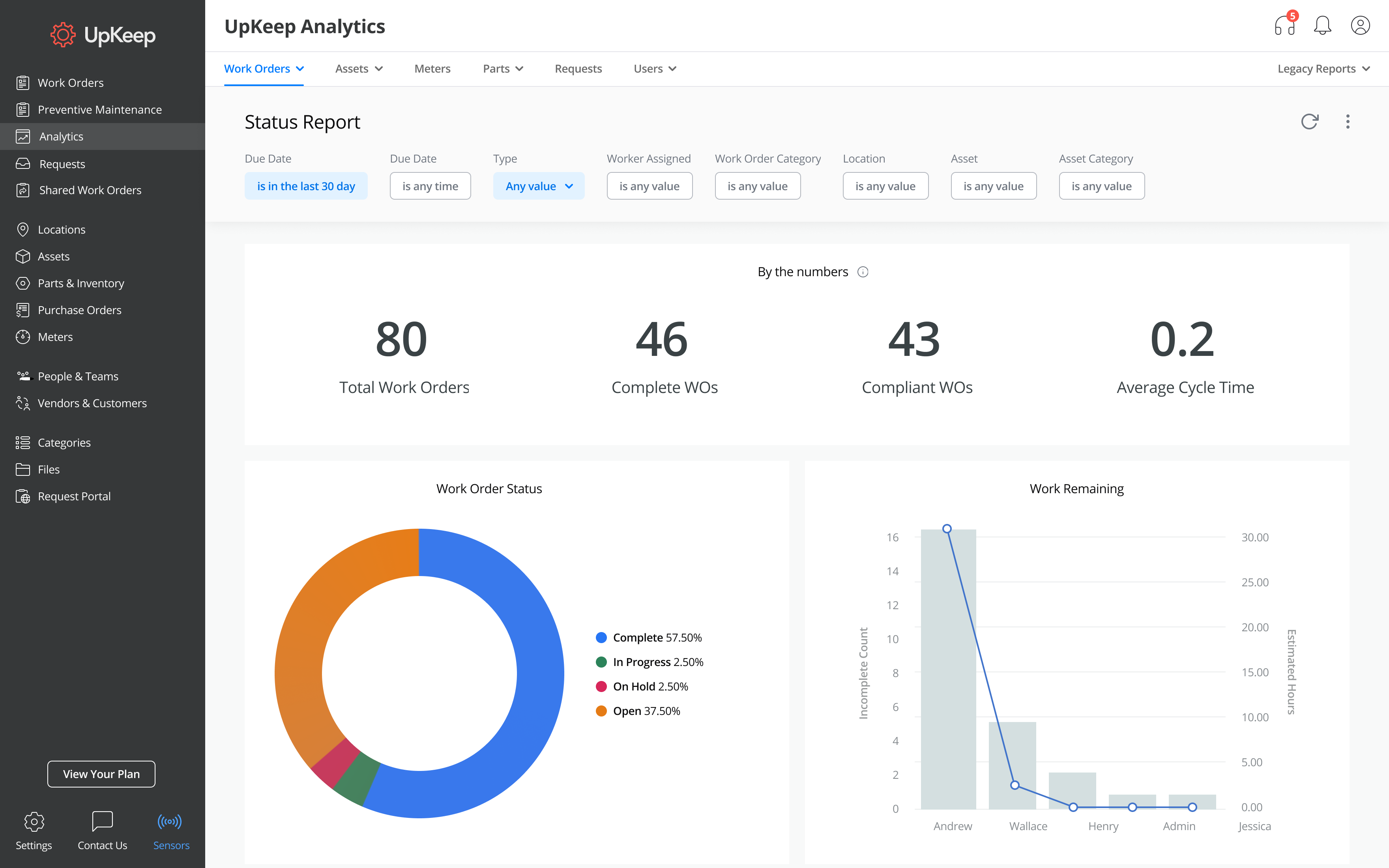
UpKeep, The Bolt-on Front-end CMMS Solution For SAP, 51% OFF
CMMS Software | UpKeep
CMMS Software | UpKeep
UpKeep Announces A New Version For All Maintenance People At No Cost
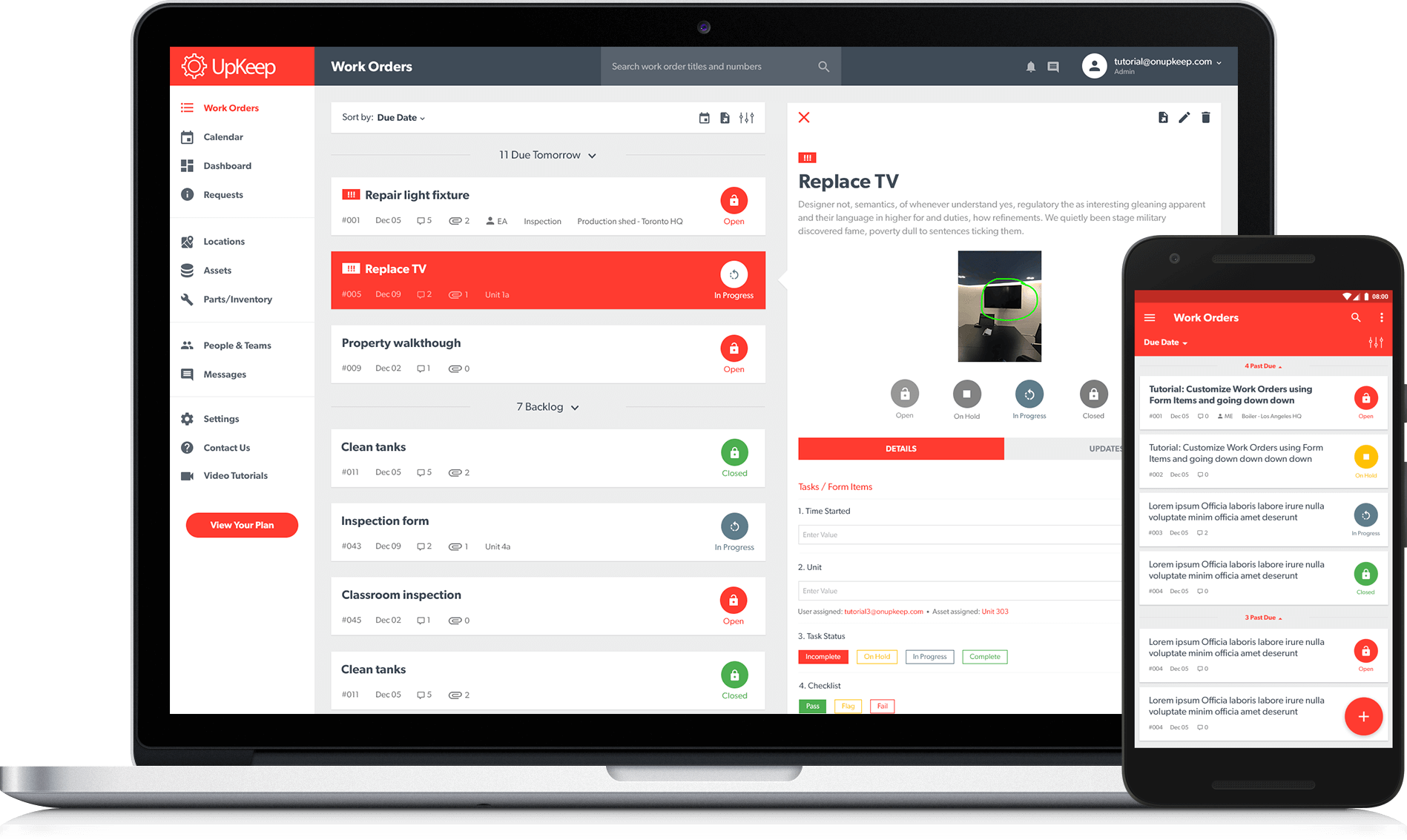
UpKeep Announces a New Version for All Maintenance People at No Cost
Best CMMS Software & Platforms In 2024

Best CMMS Software & Platforms in 2024